
Data and network cabling
Data cabling that makes the Wi-Fi work and the cameras stay online
Wi-Fi gets the attention, but the reliable part of any network is the cable behind it. We install structured Cat6 cabling, network cabinets and ceiling-mounted Wi-Fi access points for Auckland homes and businesses, ideally planned at the same time as the power and lighting so every cable is in the wall before the linings go on.
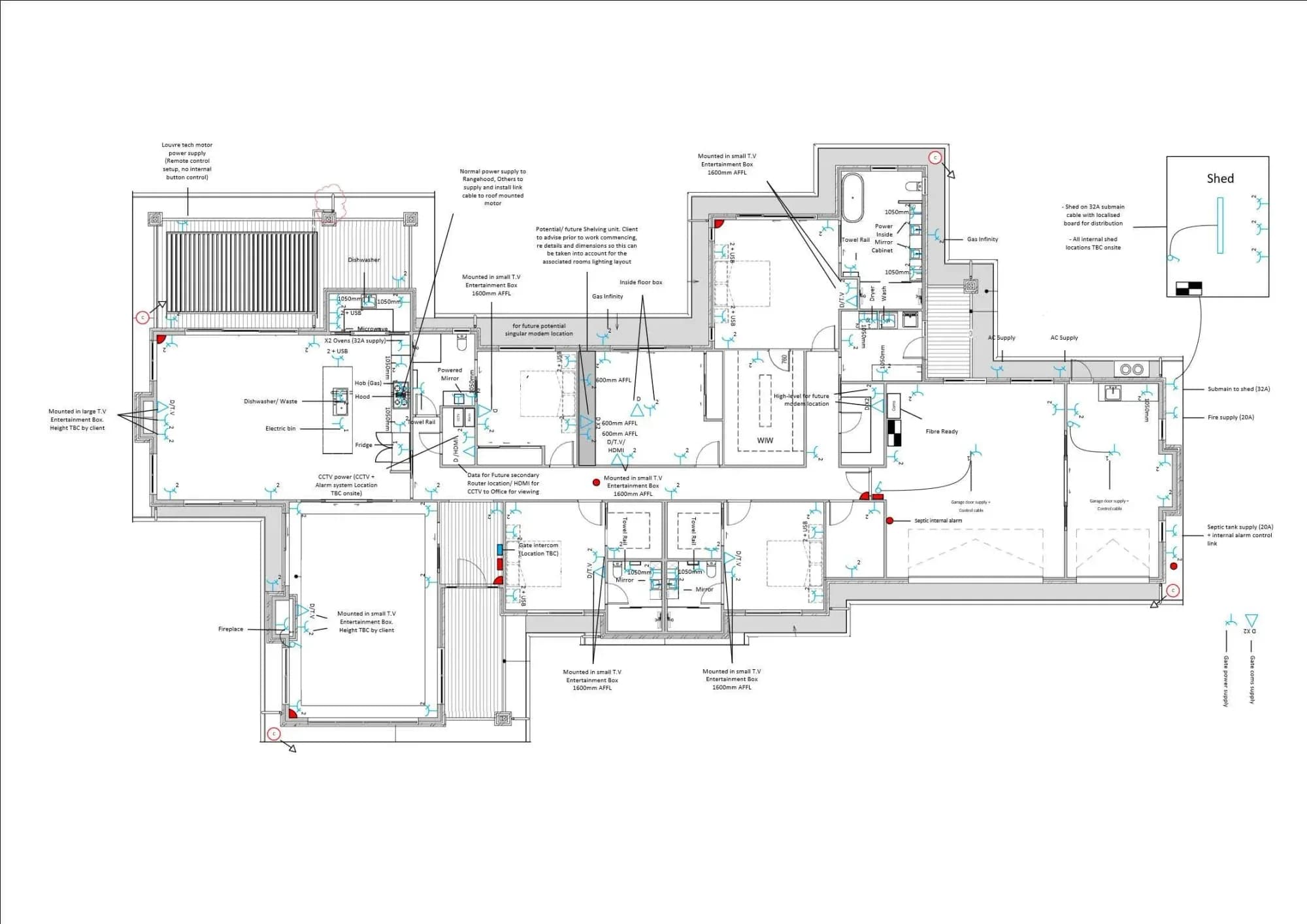
Cat6 structured cabling, network cabinets and ceiling Wi-Fi access points for Auckland new builds, renovations and offices.
Plan your data cablingWhat structured cabling means in a house
Structured cabling is a simple idea: every data point in the building has its own cable running back to one central location, where it ends on a patch panel. From there, short patch leads connect each point to the router or a network switch. Any point can be used for anything (a TV, a computer, a camera, a Wi-Fi access point) and can be changed later without new cable.
That central location is usually a small network cabinet or enclosure in a hallway cupboard, garage or laundry. It also becomes the home for the fibre equipment, the router and, if you have them, the CCTV recorder and alarm communicator.
Cable is cheap to run when the framing is open and expensive to add once the walls are lined. Even if you only plan to use a few points straight away, it is worth running cable to where you might want it in ten years.
What we install
Cat6 data points
Wall and ceiling outlets cabled back to the patch panel, labelled at both ends so anyone can tell which point is which.
Network cabinets
A wall-mounted enclosure with a patch panel, power point and room for the router, switch and recorder, with ventilation so the equipment does not overheat.
Ceiling Wi-Fi access points
Mounted centrally on the ceiling and powered through their data cable (Power over Ethernet), giving even coverage instead of one router struggling at the end of the house.
Fibre lead-in and ONT location
A conduit from the boundary and a planned spot for the fibre company's equipment, close to the cabinet rather than wherever the installer happens to put it.
TV and AV points
Data and coaxial cable behind the TV, to a media cabinet or to projector and speaker positions, planned with the furniture layout.
Office and commercial cabling
Desk and meeting room points, cabling to printers and access points, and tidy patching in a comms cabinet for small offices and fit-outs.
Wired points, mesh Wi-Fi and access points compared
| Wired data point | Mesh Wi-Fi units | Ceiling access points (cabled) | |
|---|---|---|---|
| Speed and stability | The most consistent connection available | Good, but each wireless hop between units can reduce speed | Strong, because each access point has a cabled connection back to the cabinet |
| Best for | TVs, desktop computers, gaming, cameras, home offices | Finished homes where running new cable is difficult | Even coverage across larger or multi-level homes and offices |
| What it needs | A cable run from each point to the cabinet | Power points near each unit | A Cat6 cable to each ceiling position |
New build and renovation cabling checklist
Things we suggest deciding at the pre-wire stage, along with your electrical plan.
- A network cabinet location with a power point, ventilation and space to grow
- A conduit from the street boundary to the fibre entry point
- Data points behind each TV, at each desk and in the home office
- A ceiling cable for a Wi-Fi access point on each level, and one for larger open areas
- Cables to each future camera position, door station and gate, even if the equipment comes later
- A data point near the heat pump or ducted system controller if you want app control
- A spare cable or conduit to the garage and any outbuilding
- Labelling and a simple drawing of where every cable ends up
How a cabling job runs
- STEP 01
Plan
We mark up your plans or walk the site with you, agreeing point positions, the cabinet location and the Wi-Fi layout.
- STEP 02
Pre-wire
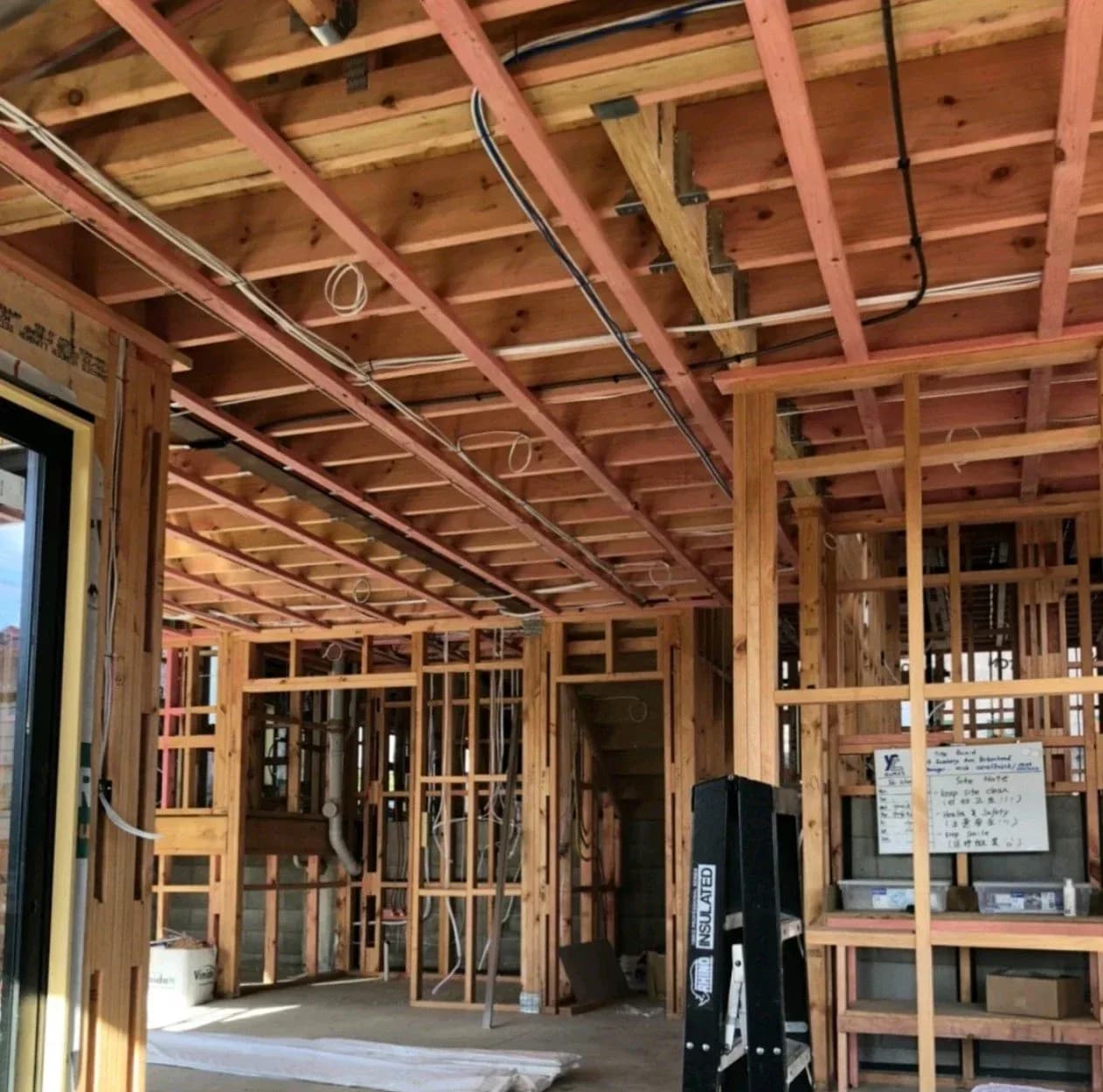
On a new build, cables are run through the framing alongside the electrical pre-wire, before insulation and linings.
- STEP 03
Fit-off
Outlets and the patch panel are terminated, access points mounted and the cabinet fitted out.
- STEP 04
Test and label
Each cable is tested and labelled, and the patch panel is documented so the next person knows what goes where.
FAQ
Data & network cabling: common questions
Is Cat6 enough, or do I need something faster?
For homes and small offices, Cat6 handles gigabit networking comfortably over the cable lengths found in a typical house. If you want multi-gigabit speeds over longer runs, Cat6A is an option. We will recommend a cable type based on how you plan to use the network.
How many data points should a new house have?
There is no fixed number. Start with every TV position, every desk, a Wi-Fi access point on each level and any planned camera, intercom or gate. A spare point in each bedroom is cheap to add at the pre-wire stage and expensive later.
Where should the network cabinet go?
Somewhere central, ventilated and accessible: a hallway cupboard, laundry or the garage wall closest to the house are common choices. It needs a power point, and it should not be in a hot ceiling space or a cupboard full of clothes.
Will ceiling access points fix my Wi-Fi?
In most homes with patchy coverage, yes. Each access point has a cabled connection back to the cabinet, so coverage is even and speed does not drop off at the far end of the house. The number of access points depends on the size, layout and construction of the home.
Can you prepare for fibre on a new build?
Yes. We can install a conduit from the boundary and plan where the fibre company's equipment will go, so it ends up next to the network cabinet. The fibre connection itself is arranged through your internet provider.
Can you run data cabling as part of the electrical work?
Yes. On new builds and renovations it is usually most efficient to plan and pre-wire data alongside power and lighting, which is how we approach new build electrical and renovation electrical work.
Plan your data cabling
Send us your plans or tell us about the property, and we will help you work out where cable is needed and quote the job.
More on data & network cabling