
Security cameras
CCTV installation for Auckland homes and businesses
A camera system is only as useful as the footage it gives you when something happens. We plan cameras around what you actually need to see (faces at the front door, a number plate on the driveway, the back of the shop), run the cabling properly, set up the recorder and get the app working on your phone before we leave.
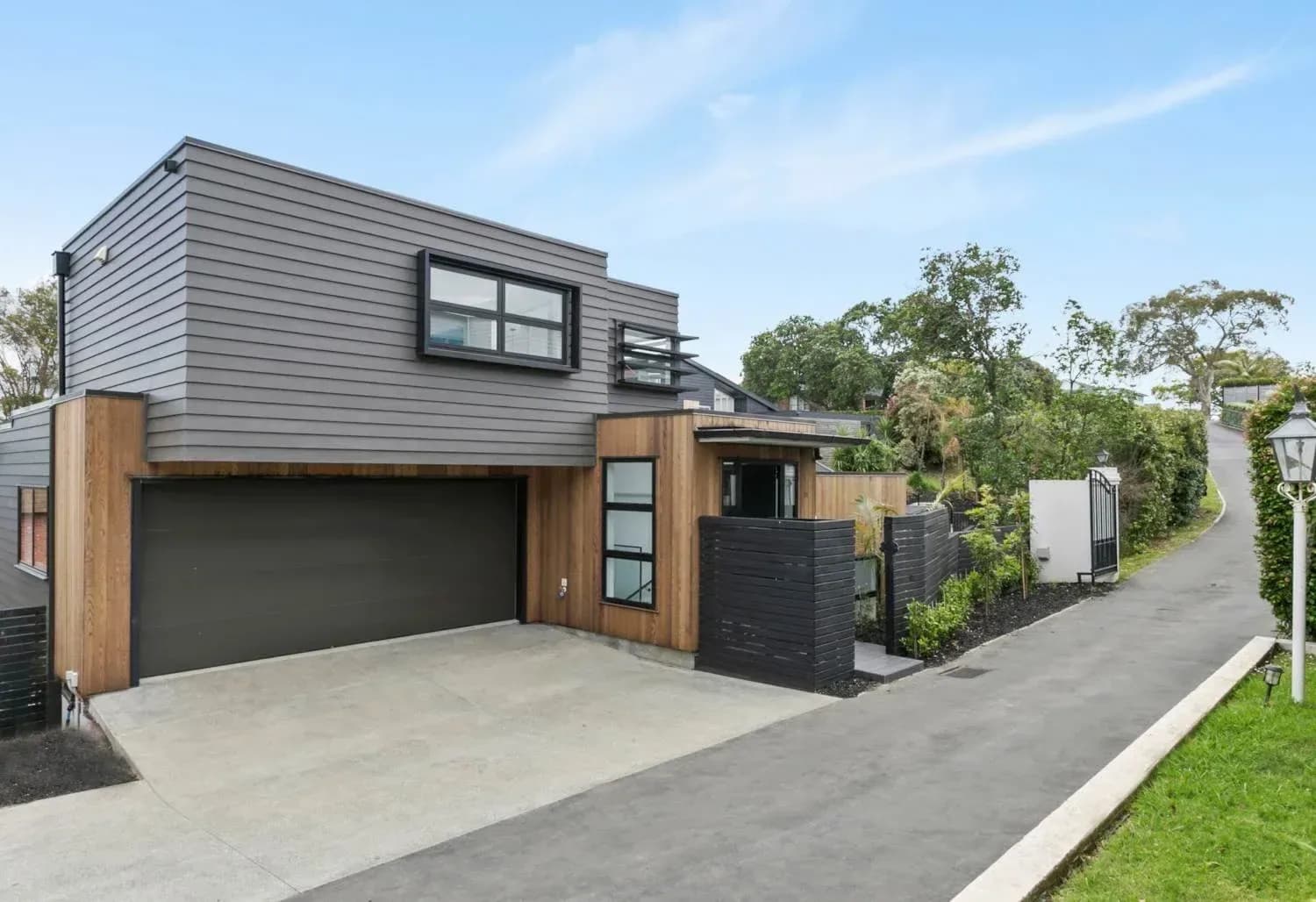
Wired camera systems for Auckland homes and businesses, planned around what you need to see, with recording and phone viewing.
Plan your camera systemHow it fits together
What a CCTV system is made of
Most of the systems we install are wired IP cameras. Each camera connects back to a network video recorder (NVR) with a single data cable, and that cable carries both the video and the power for the camera (Power over Ethernet, or PoE). There is no separate power supply at each camera, which keeps the installation tidy and makes it easier to add a camera later.
The NVR records to an internal hard drive and connects to your router, which is what lets you view live and recorded footage on your phone. The recorder is usually tucked away in a cupboard, a ceiling space with good airflow, or a network cabinet if the home or building has one.
Getting the cabling right is most of the job. Cable runs through ceilings and walls, weatherproof entry points at each camera and a sensible location for the recorder are what separate a system that is still reliable in five years from one that drops out every time it rains.
Camera styles and where each one suits
The shape of a camera matters less than its lens, sensor and placement, but each style has places where it works best.
Turret cameras
A ball-shaped camera in a shallow housing. Easy to aim, no dome cover to reflect night-vision light, and a good general choice for eaves and entries.
Dome cameras
Sealed under a clear dome, which makes them harder to knock out of position. Common in shops, offices and lower-mounted spots where tampering is a concern.
Bullet cameras
A visible, elongated housing that clearly says the property is watched. Often used for driveways, gates and long views down the side of a building.
Varifocal and zoom lenses
Let us adjust the field of view on site, so a camera can be tightened in on a gate or a car park entry instead of showing a wide view where faces are too small to recognise.
Wi-Fi and battery cameras
Quick to put up and fine for a single spot, but they depend on your Wi-Fi signal and battery charge. For a whole-property system we recommend wired cameras.
Video doorbells and door stations
A camera at the front door that also lets you talk to visitors. If that is your main need, see our intercom and access control page.
Wired IP, analogue and Wi-Fi cameras compared
Older systems often use coaxial cable to an analogue recorder. Here is how the common options differ.
| Wired IP (PoE) | Analogue HD (coaxial) | Wi-Fi or battery | |
|---|---|---|---|
| Cabling | One data cable per camera carries video and power | Coaxial cable plus a separate power feed or combined cable | Power only (or none for battery), video over Wi-Fi |
| Image quality | High resolutions available, with smart detection on many models | Good on modern HD systems, fewer smart features | Varies widely, limited by Wi-Fi signal |
| Reliability | Not affected by Wi-Fi coverage or interference | Reliable once installed, but an older technology | Drops out if Wi-Fi is weak or batteries run flat |
| Adding cameras later | Straightforward if the recorder has spare channels | Limited to the recorder's channel count | Easy to add, harder to manage as numbers grow |
| Usually suits | New systems, homes and businesses | Upgrading an existing system while reusing its cabling | A single spot or a short-term need |
Recording, storage and viewing on your phone
- How much footage the recorder holds
- Recording time depends on the number of cameras, their resolution and frame rate, the video compression used, and whether they record all the time or only on motion. We size the hard drive to the retention period you want and show you how far back the footage goes at handover.
- Motion and smart detection
- Many current cameras can tell a person or vehicle from moving trees, headlights and cats. Setting detection zones properly is what keeps phone notifications useful instead of constant.
- Remote viewing
- The recorder connects to the manufacturer's app so you can view live cameras, scroll back through recordings and save clips. We set it up on your phone, change the default passwords and show you how to export footage if you ever need to give it to Police or an insurer.
- When the internet or power drops out
- A wired system keeps recording to the NVR if the internet goes down; you just cannot view it remotely until the connection returns. A power cut stops the recorder and cameras unless they are on a battery-backed supply (UPS), which we can include.
- Keeping the system secure
- An internet-connected recorder needs a strong password and occasional firmware updates, like any other network device. We avoid exposing the recorder directly to the internet and use the manufacturer's app connection instead.
Where cameras usually earn their place
Every property is different, but most camera plans start with these spots.
- The front door, at a height and angle that captures faces rather than the tops of heads
- The driveway and street entry, aimed so vehicles and plates are visible as they arrive
- Side paths and back doors, the usual way into a house that is not overlooked
- Garages, sheds and outbuildings with tools, bikes or vehicles inside
- Shop counters, stockrooms and rear service doors for businesses
- Car parks and gates where you need a record of who comes and goes
- Positions where a light is nearby, because even good night vision benefits from some ambient light
How a CCTV installation runs
- STEP 01
Walk-through
We look at the property with you, talk through what you want to see and check cable routes, ceiling access and where the recorder can go.
- STEP 02
Camera plan and quote
You get a written quote listing each camera position, the equipment and the recording time, so you can compare it properly.
- STEP 03
Cabling and mounting
Cables are run through the building and sealed at each entry point, then the cameras are mounted and aimed.
- STEP 04
Set-up and fine-tuning
We set recording schedules, detection zones and privacy masks, then check each view in daylight and, where possible, at night.
- STEP 05
Handover
We install the app on your phone, show you how to find and export footage, and leave you with the login details.
Equipment we use
We choose cameras and recorders for the job rather than pushing one kit. Brands we have supplied include Dahua. Manufacturer warranties vary by product, and we will tell you what applies to the equipment in your quote.
If you are building or renovating, it is worth running camera cables before the linings go on, even if you buy the cameras later. Our new build electrical and data cabling work can include camera pre-wiring.
FAQ
CCTV cameras: common questions
How many cameras does a typical house need?
It depends on the number of entry points and how the section is laid out. A front door, a driveway and one or two side or rear cameras is a common starting point. We would rather install fewer cameras in the right places than many cameras that show nothing useful.
Can I watch the cameras on my phone?
Yes. The recorder connects to the manufacturer's app, so you can see live views, play back recordings and get motion alerts when you are away. We set the app up on your phone at handover.
How long is footage kept?
That depends on the hard drive size, the number of cameras, the resolution and whether the cameras record continuously or only on motion. Tell us how far back you want to be able to look and we will size the storage to suit. Once the drive is full, the oldest footage is recorded over automatically.
Do the cameras work at night?
Most cameras have infrared night vision, which gives a black and white image in the dark. Some models give a colour image at night if there is a little light around, such as a porch or security light. Placement matters, because infrared can reflect off nearby walls, eaves or spider webs.
Is it legal for my camera to see my neighbour's property?
The Privacy Commissioner's guidance for home cameras says to avoid pointing cameras at a neighbour's property, doors or windows, and to talk to neighbours before installing. We plan camera angles with that in mind and can mask parts of the image. For specific legal questions, read the Privacy Commissioner's CCTV guidance or get advice.
Can you add cameras to my existing system?
Often, yes, if the recorder has spare channels and the new cameras are compatible with it. If the existing recorder is old or failing, it can be better to replace it and reuse whatever cabling is in good condition. We check this on site before quoting.
Will the cameras keep recording if the internet goes down?
Yes. A wired system records to the recorder in your home or building, so an internet outage only stops remote viewing. A power cut is different: the system stops unless it is connected to a battery-backed supply.
Plan your camera system
Tell us about the property and what you want the cameras to cover. We will arrange a walk-through and put together a camera plan and quote.
More on cctv cameras