
Security alarms
Security alarm installation that fits how you use the building
An alarm should be easy to arm when you leave, easy to set at night while you are still inside, and quiet the rest of the time. We install and service alarm systems for Auckland homes and businesses, with sensors placed around your layout, pets and routine, and a clear choice about who gets told when it goes off.
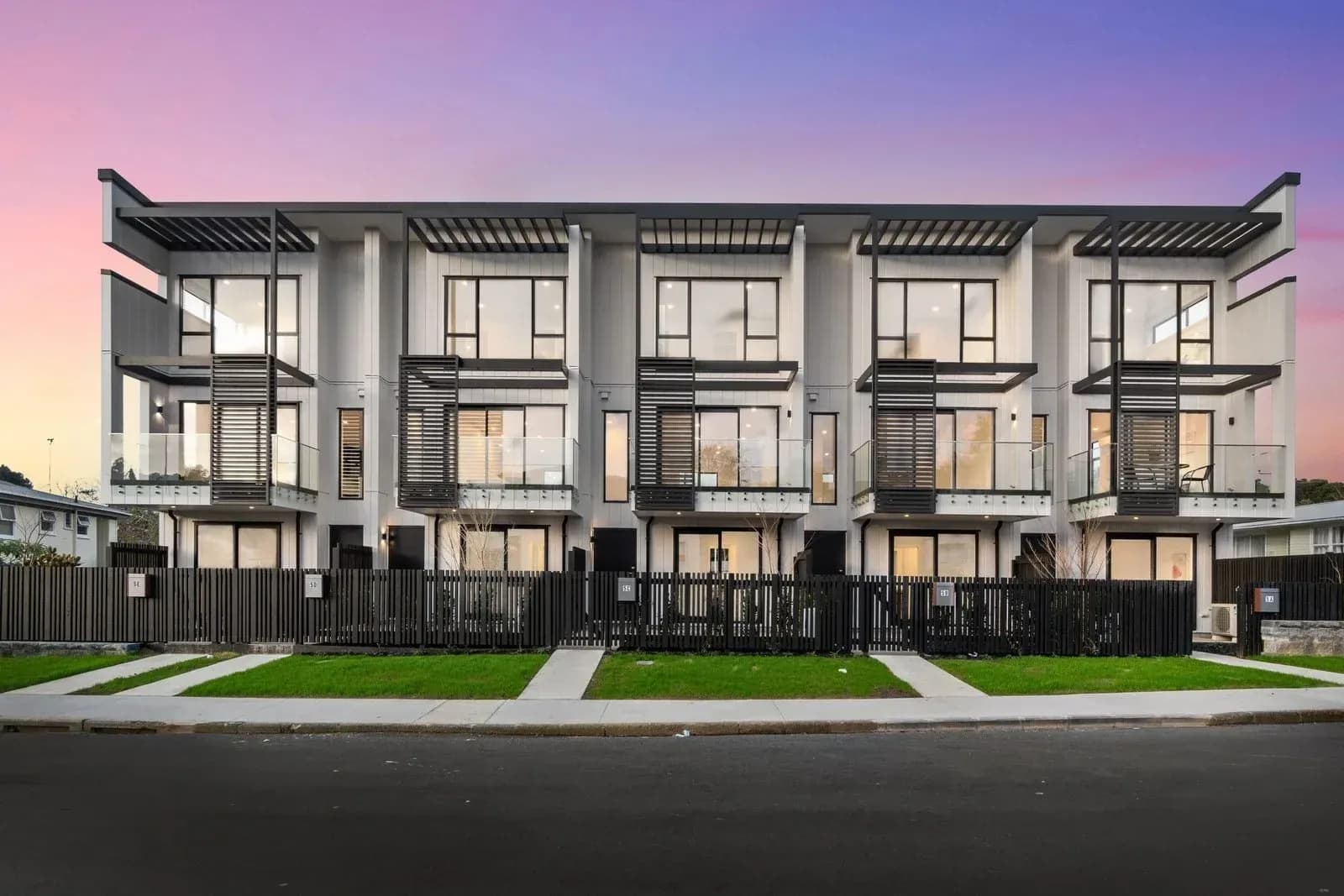
Alarm systems for Auckland homes and businesses, with sensors placed for your layout, app control and monitoring options.
Ask about an alarmHow a modern alarm system works
Every alarm has the same core parts. A control panel, usually hidden in a cupboard, is the brain of the system and holds a backup battery. Sensors around the building report doors opening and movement. A keypad near the main entry lets you arm and disarm with a code, and sirens inside and outside make sure an activation is noticed. A communicator sends alerts to your phone or a monitoring company.
Sensors are grouped into zones, which is what lets you arm only part of the system. A common set-up is an away mode that arms everything and a stay or night mode that arms the doors, garage and downstairs while leaving the bedrooms unarmed.
Systems can be wired, wireless or a mix of both. Wired sensors suit new builds and renovations where cables can be run before linings go on. Wireless sensors suit finished homes where running cable would mean opening walls, but their batteries need replacing from time to time.
Sensors and devices
Motion detectors
Passive infrared (PIR) detectors pick up body heat moving across a room. Pet-tolerant models and careful placement help stop a dog or cat setting the alarm off.
Door and window contacts
Magnetic contacts trigger the moment a door or window opens, so the alarm sounds before anyone is inside. Good for ranch sliders, garage access doors and ground-floor windows.
Keypads
Placed by the doors you actually use, with separate user codes for each family member or staff member so you can see who armed and disarmed it.
Sirens and strobes
An internal siren to make staying inside unpleasant, and an external siren and strobe so neighbours and a patrol can see which property is in alarm.
Remote fobs and panic buttons
Arm and disarm from the car, or trigger an alarm from beside the bed. Useful for people who find keypads awkward.
Outdoor and garage sensors
Detectors rated for outdoor use or dusty garages protect sheds, carports and workshops where an indoor sensor would false alarm.
Monitoring options: who finds out when the alarm goes off
The alarm hardware is often the same for each option. What changes is where the alert goes.
| Option | When the alarm triggers | Ongoing cost | Usually suits |
|---|---|---|---|
| Siren only | The sirens sound and stop after a set time. Nobody is notified unless they hear it. | None for monitoring | Budget systems, or a building where someone is nearly always close by |
| Self-monitored by app | You get a phone notification showing which zone triggered, and can check cameras if you have them. | Depends on the panel and app; some app services carry a subscription | Homeowners who keep their phone with them and are happy to respond themselves |
| Professionally monitored | A monitoring centre receives the signal, follows your instructions and contacts you, your nominated contacts or a patrol. | Ongoing fee paid to the monitoring company | Businesses, rentals, people who travel or anyone who wants someone else to respond |
App control and notifications
- Arm and disarm from anywhere
- Check whether the alarm is set after you have left, and arm it from your phone if you forgot.
- Know which sensor triggered
- A notification that says the back door opened at 2 am is far more useful than a siren you cannot hear from work.
- Let people in remotely
- Disarm for a tradesperson or a family member without sharing your code, then re-arm when they leave.
- Works alongside cameras
- If you also have CCTV, you can check the camera view before deciding whether to call anyone.
What an alarm service covers
A service checks that the system will actually work when it is needed.
- Walk-test every sensor and confirm each one reports to the right zone
- Test the backup battery and replace it if it is no longer holding charge
- Check internal and external sirens and the strobe
- Confirm alerts reach your phone or the monitoring centre
- Check tamper switches on the panel, sirens and detectors
- Clean detector lenses and look for anything now blocking a sensor's view
- Replace batteries in wireless sensors and fobs that are running low
- Update user codes, contact details and zone names if they have changed
Getting an alarm installed
- STEP 01
Talk through how you use the place
Who lives or works there, pets, which doors you use, and whether you want to set it at night.
- STEP 02
Sensor plan and quote
We recommend sensor positions, keypads and a monitoring approach, and quote the equipment and installation.
- STEP 03
Installation
We fit the panel, sensors, keypads and sirens, running cable through ceilings and walls where the system is wired.
- STEP 04
Programming and testing
Zones, user codes, entry and exit delays and the app or monitoring connection are set up and every sensor is tested.
- STEP 05
Handover
We show everyone who will use the alarm how to arm, disarm and silence it, and what the keypad and app messages mean.
Equipment and existing alarms
Brands we have supplied include Arrowhead Alarm Products. We choose a panel that suits the size of the property and how you want it monitored, and manufacturer warranties vary by product.
If you have moved into a property with an existing alarm, we can check whether it can be serviced, reprogrammed or connected to an app, or whether it is time to replace it. Some older panels are locked with an installer code, which can limit what can be changed. Read our guide to home security system options if you are still weighing up alarms, cameras and intercoms.
FAQ
Security alarms: common questions
Will my dog set the alarm off?
It can, unless the system is planned for it. Pet-tolerant motion detectors, careful mounting heights and leaving the pet's area out of the armed zones all help. Tell us about your pets when we quote.
Do I need professional monitoring?
Not necessarily. Many homeowners are happy with app notifications and responding themselves. Professional monitoring makes more sense if you travel, run a business, own a rental or want someone else to respond at 3 am. The same alarm can usually be changed from one to the other later.
What happens to the alarm during a power cut?
The backup battery in the panel keeps it running for a time. How long depends on the battery's age and condition and on what is connected. If your keypad shows a battery or power fault, have it checked.
My alarm used to send alerts over the mobile network. Does it still work?
If it relied on the 3G network, it may no longer send alerts. The 3G networks in New Zealand have been closed and devices that depend on them stop working. Ask your monitoring company or have us check the communicator and upgrade it if needed.
Can you take over or service an alarm someone else installed?
Often, yes. We can test and service most systems, but some panels are locked with the original installer's code. If that is the case, we will explain the options, which can include resetting or replacing the panel.
Should I choose a wired or wireless alarm?
Wired is usually the better choice in a new build or renovation where cables can be run before the walls are closed in. Wireless suits finished homes where you do not want walls opened, with the trade-off that sensor batteries need replacing. Many systems combine both.
How often should an alarm be serviced?
We suggest a check at least once a year, and straight away if the keypad or app reports a battery, tamper or communication fault. If your alarm is monitored, your monitoring company may have its own requirements.
Ask about an alarm
New system, an upgrade or a service on an existing alarm. Tell us about the property and we will come back to you with options.
More on security alarms